

FileMove
Smart photo sorting after simple transfer
Description
FileMove does the hard work after you do the easy part—connecting your phone. Once you copy your DCIM folder, FileMove's intelligent engine kicks in. It scans, identifies, and categorizes your photos, placing them into a clean, navigable archive on your computer. This smart sorting turns a potentially hours-long organizing task into a seamless, instantaneous process. Reclaim your time and enjoy a perfectly organized photo library that makes every picture easy to find.
Screenshots
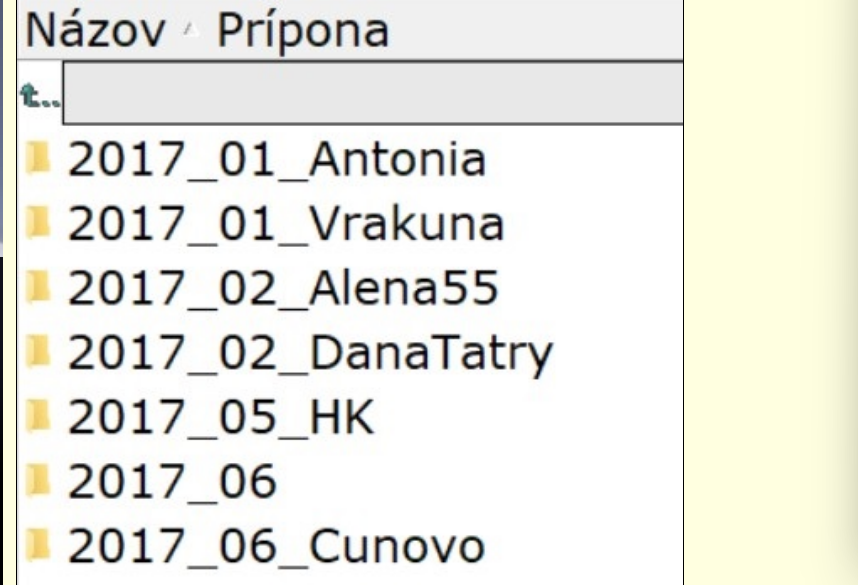
Click to view full size